 Zhi Sang
My roleTool development, workflow design and AI collaboration
StageIn ongoing use and iteration
Tools & methodsPython / Qwen3-ASR / vLLM / FFmpeg / CLI / MCP
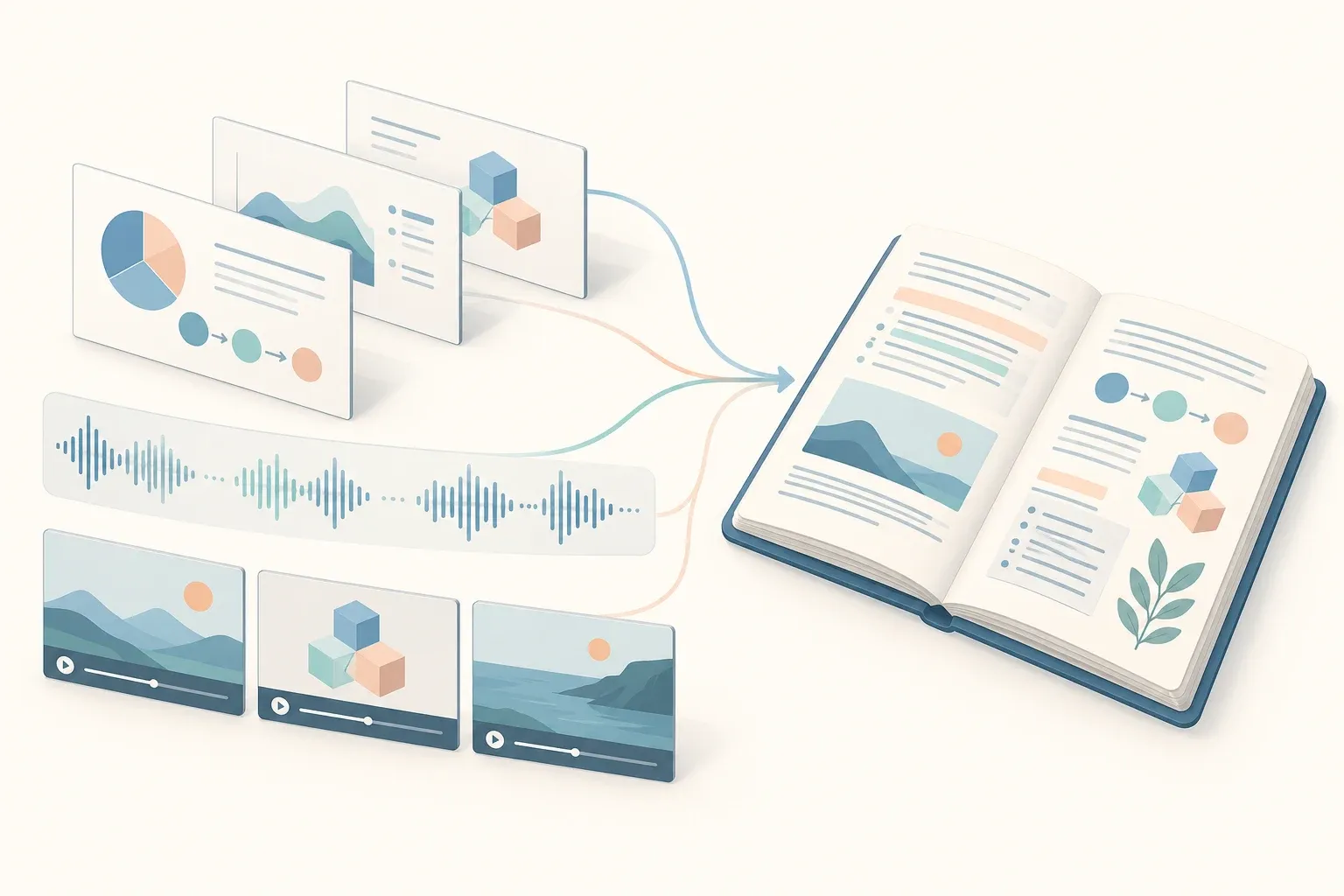
From classroom material to illustrated notes →
At first, there was only file conversion
I began with file-conversion tools, so the AI could turn PDFs, presentations and Word documents into images through commands.
Slides contain diagrams, formulas and layout information that plain text extraction can lose. I chose to let the AI see the page as an image.
To make reading more efficient, I added contact sheets. The AI looks at the combined preview first, then opens individual pages when something is too small to read. Its understanding and judgment become useful here: it can decide whether the image is clear and what to do next.
The tools convert and combine pages; the AI decides how closely it needs to inspect the material.
Turn repeated prompts into conventions
Even with file processing in place, I had to write similar prompts whenever I organized notes. Many requirements were shared, so I wrote note-preparation conventions and adjusted them for each course.
They cover how to structure knowledge, explain figures, retain sources and save images. The AI applies them to the course material; I refine them by reading and using the results.
Slides are only part of the class
Teachers do not necessarily cover every slide, and important explanations are not always written on them.
With AI assistance, I examined the recording platform’s requests and wrapped the course, session and video-resource interfaces in scripts. I can now locate material I am authorized to access by course, date or session, then download recordings and slides with less manual navigation.
The downloader also checks completeness and handles retries and resumable downloads.
Why not use a dedicated speech-recognition model?
The general-purpose models I was using had limited audio capabilities or ways to accept audio. Why not use a dedicated automatic speech recognition model?
I tried Whisper and Qwen3-ASR. For my Chinese classroom material, Qwen handled technical terms and mixed Chinese-English speech in a way that better suited my needs, so I moved to Qwen3-ASR-1.7B.
Local execution brought another constraint: my RTX 4060 Laptop has 8 GB of VRAM. Processing long audio in one request was costly. My first step was to split it into segments of at most 2.5 minutes.
A single segment was still slow, so I used a vLLM service and submitted several segments concurrently. The current default is five requests scheduled by one service.
What if the cut happens while the teacher is speaking?
I added a low-energy boundary search between two and 2.5 minutes, choosing a quiet point near the upper limit to reduce interruptions during speech.
Then I considered nearly silent segments. They can make speech models repeat similar output and slow transcription down. Voice activity detection now skips segments with less than two seconds of detected speech while preserving their place on the timeline. Repeated output is also cleaned up.
On my machine, transcribing a 90-minute audio recording took about 4.3 minutes, roughly 21 times real time.
With the transcript and slides available, the AI can follow the earlier conventions to prepare notes that include classroom emphasis and relevant slide images.
Audio alone is not always enough
What if a course has no slides, or the teacher is demonstrating an operation?
I added visual processing to the transcript workflow. Images are convenient to inspect locally in time, and my vision-capable models can read them without receiving the entire video each time.
Qwen3-ForcedAligner-0.6B aligns audio and text at word or character level. A short-sentence index then makes the corresponding times searchable.
The AI can use the meaning of a sentence to decide whether it needs to see the scene. When it does, FFmpeg extracts a few candidate frames from that interval. The AI actually looks at them, checks whether the needed information is visible, and adjusts the time range or sampling when necessary.
I wrote a separate illustrated-video-note workflow covering retrieval, transcription, time lookup, frame extraction, selection and writing. Tools carry out explicit operations; the AI decides when to look, what to inspect and how to use the material in the notes.
Provide the workflow and tools, and let AI make content decisions
This process helped me see the value of AI’s understanding and adaptability. I do not have to hard-code every situation. With the necessary tools, a process and clear output requirements, the AI can choose its next step from the material in front of it.
The toolchain continues to grow. I also developed a Canvas assistant with command-line and Model Context Protocol (MCP) entry points for courses, assignments, feedback and files, and a shared launcher for recording, course-review and timetable tools.
From a divide-and-conquer class to illustrated notes shows the connection between an existing classroom transcript, slide references and chapter notes.
Models, teaching platforms and media engines are upstream tools. My work is to develop utilities, design conventions and connect them around my study needs, then improve the process through use.